Key takeaways
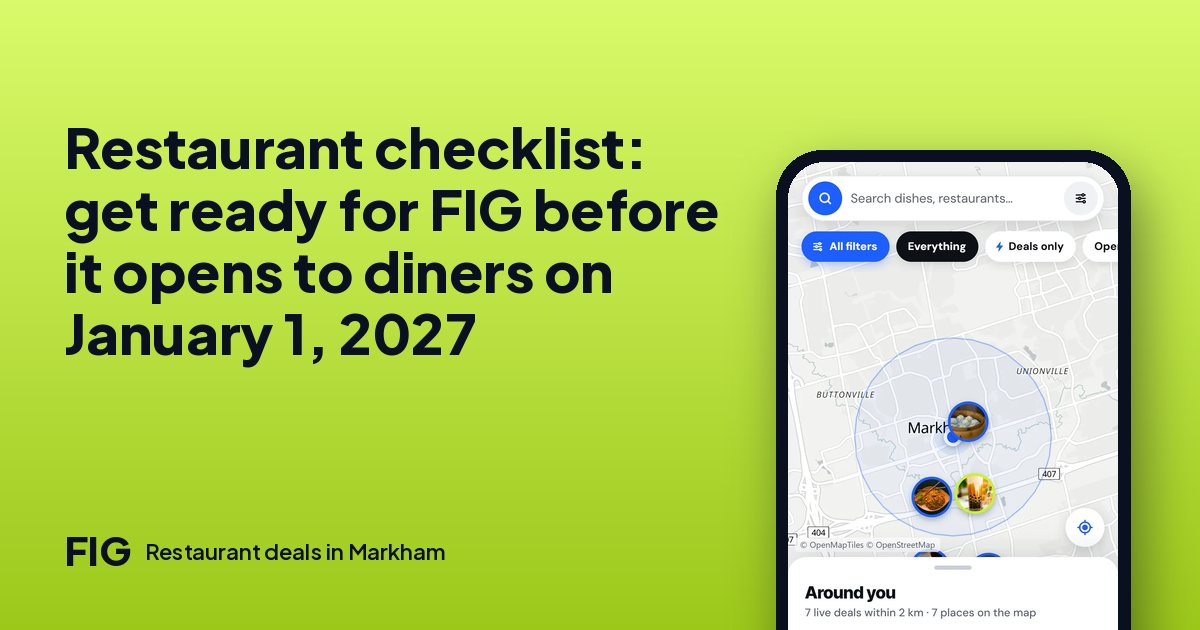
- FIG opens to diners on January 1, 2027. Until then diners can only join the waitlist at www.figpromo.ca, and restaurants set up first.
- Signing up, setting up your page, going live, posting deals, scanning and the dashboard cost nothing.
- Do the base first: page, hours, menu with photos and sections. Then the team, then the first deals.
- Takeout is optional. You can turn it on only after you add your HST number and finish Stripe payouts.
- From October 31, 2026 there are 62 days to January 1. About nine weeks is enough to do all of this without rushing.
The short answer
Use the weeks before January 1, 2027 to build your page, your menu and your first deals, so that on opening day diners find a complete restaurant. Signing up, setting up your page, going live, posting deals, scanning and the dashboard cost nothing. The order that works best is the page and hours, then the menu, then your team, then the first deals, and takeout last, if you want it at all.
What opens when
| Who | Today | From January 1, 2027 |
|---|---|---|
| Restaurants | Set up your page, menu, hours and deals | Diners find your live deals on the map and claim them |
| Diners | Join the waitlist at www.figpromo.ca | Browse places, menus, reviews and live deals, and claim a deal in one tap |
FIG starts in Markham, then expands to Richmond Hill and Vaughan Mills. You need to be 18 or older to hold a restaurant account.
How much time you have
- From October 31, 2026: November has 30 days and December has 31.
- 30 + 31 + 1 (January 1 itself) = 62 days, which is 8 weeks and 6 days.
If you give the checklist two hours a week for nine weeks, that is about 18 hours in all. Most small restaurants need less.
Weeks 1 and 2: the base
- Create your account. It costs nothing.
- Fill in your page. Name, cuisine, address, a short description and a few good photos.
- Set your opening hours. Include holidays and any day you are closed, because diners decide where to go around them.
- Check your details twice. A wrong phone number or hour costs you more than a missing photo.
Photos matter more than most owners expect. Use daylight, shoot the dish from slightly above, and avoid stock images: diners can tell.
Weeks 3 and 4: the menu
A menu with photos and sections is the part diners read first. Group dishes the way you would on a printed menu, and add a photo for your most popular dishes before the rest. Write names the way a diner would say them, and put anything dietary in the description. Set up your FIG menu and takeout in 15 minutes takes you through the screens.
Prices should match your dining room. A price that is wrong on your page costs you either a sale or an argument at the till, so check each one once.
Weeks 5 and 6: your team
Invite the people who will work with FIG every day. They join by accepting an invite from the owner, as Owner, Manager or Staff. Give owners and managers a sign-in step for money, such as an authenticator app or a code by email. The roles guide has a checklist, and the ten-minute staff session gets everyone ready for the till.
Weeks 7 and 8: your first deals
Pick one or two quiet windows. Look at your week and find the hours where tables sit empty, usually weekday afternoons or early evenings. Then write a deal for each.
- Choose a type: 2 for 1, percent off, dollar off, or free with a dish. Which one fits.
- Choose live now or scheduled. For January 1, schedule it.
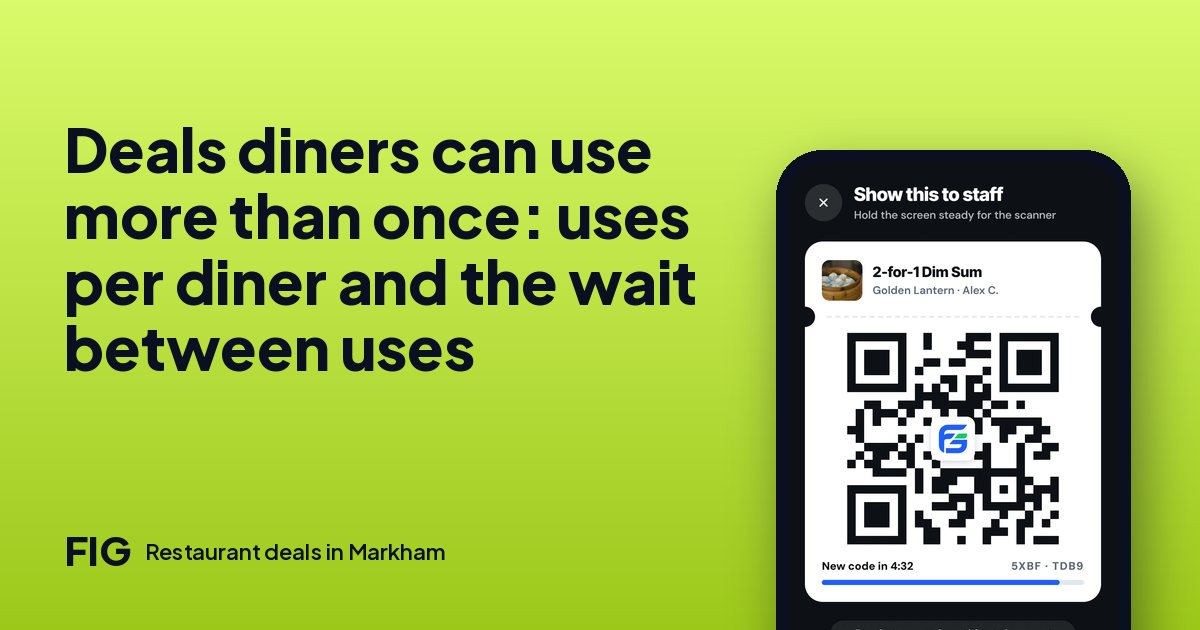
- Set uses per diner and, if you like, a wait between uses.
- Do the sum on the price before you post. The slow-hour math shows how.
A $15.00 dish, with a 30% food cost of $4.50, and a $3.00-off deal: the diner pays $12.00 and you keep $12.00 − $4.50 = $7.50. That is $7.50 toward wages, rent and profit from a table that was empty. These are round example numbers.
Week 9: takeout, if you want it
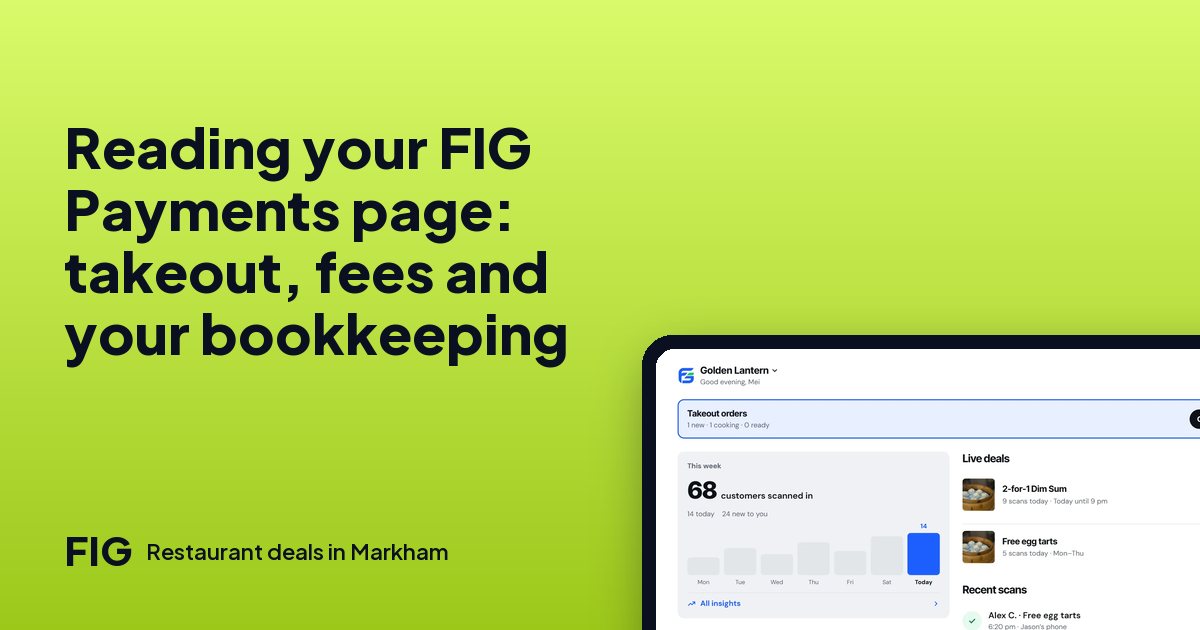
Takeout is optional. Diners pay online in the app at checkout, and the kitchen starts when you accept. A restaurant can turn it on only after it has added its HST number and finished Stripe payouts, and those money steps ask owners and managers for a stronger sign-in. FIG keeps 5% of the food after any deal and before tax on takeout orders, plus Stripe's card fee of 2.9% + $0.30 for most Canadian cards, which comes off the payment. Dine-in has no such fee. Read the order math before you decide, and the HST guide if you are not registered. That guide is general information, not tax advice.
If you do turn takeout on, learn the pause button and prep time first. The rush guide covers both.
Writing your page so diners understand it
Diners will see your page on a map next to other restaurants, so the first lines matter. Say what you serve and what the place is like in plain words, such as "a small Hakka kitchen, open late" or "a family bakery with a few tables". Name your best dish. If you serve halal, vegetarian, vegan or gluten-free food, say so clearly, because many diners filter for it and a vague description can lose them.
Keep it honest. If your kitchen cannot guarantee an allergen-free dish, say that, and invite people to call. What diners with dietary needs ask restaurants shows the questions you will hear.
- Use the same name that is on your sign.
- Put your phone number where it can be found.
- Choose the photo diners see first with care: a dish, not a storefront in the dark.
The day before opening
- Open your page as a diner would and read it line by line.
- Check that your hours, menu and photos are right.
- Check that the scheduled deals start when you intend.
- Run one test scan with your team so everyone has seen the screen.
- Tell your regulars. A sign at the till and a word at the door cost nothing.
Two things not to do
- Do not tell diners to use the app yet. They cannot until January 1, 2027. Point them to the waitlist at www.figpromo.ca.
- Do not wait for a perfect page. Go live with a clear page and a good first deal, then improve it using your results, which show how each deal does.
Questions? The contact page reaches us. FIG is run by Brendan Lau in Markham, Ontario.
Questions
When does FIG open to diners?
January 1, 2027. Until then diners can only join the waitlist at www.figpromo.ca, and restaurants set up first.
What does it cost to set up my restaurant?
Signing up, setting up the page, going live, posting deals, scanning and the dashboard cost nothing. FIG earns only on takeout orders paid in the app.
Do I have to offer takeout?
No. You can turn it on only after you add your HST number and finish Stripe payouts, and you can leave it off.
How many locations can I add?
Up to 2 for now.
Where does FIG start?
In Markham, then Richmond Hill and Vaughan Mills.
How old do I have to be?
Restaurant accounts are for people 18 or older.
Can I post a deal before FIG opens?
Yes. Deals can be live now or scheduled, so you can have them ready for January 1, 2027.