Key takeaways
- The Payments page lists every takeout payment, refund and fee, and it downloads as a CSV file you can open in a spreadsheet.
- On each takeout order the diner's card is charged the food plus HST. Stripe's fee of 2.9% + $0.30 for most Canadian cards comes off that payment, and FIG keeps 5% of the food after any deal and before tax.
- The HST on an order is yours to remit. Treat it as a separate line in your books, not as sales you keep.
- Dine-in deals do not appear as takeout payments: the diner pays you directly and FIG takes nothing from that bill.
- Check the page against your own records once a month. A short routine beats a long scramble at tax time.
The short answer
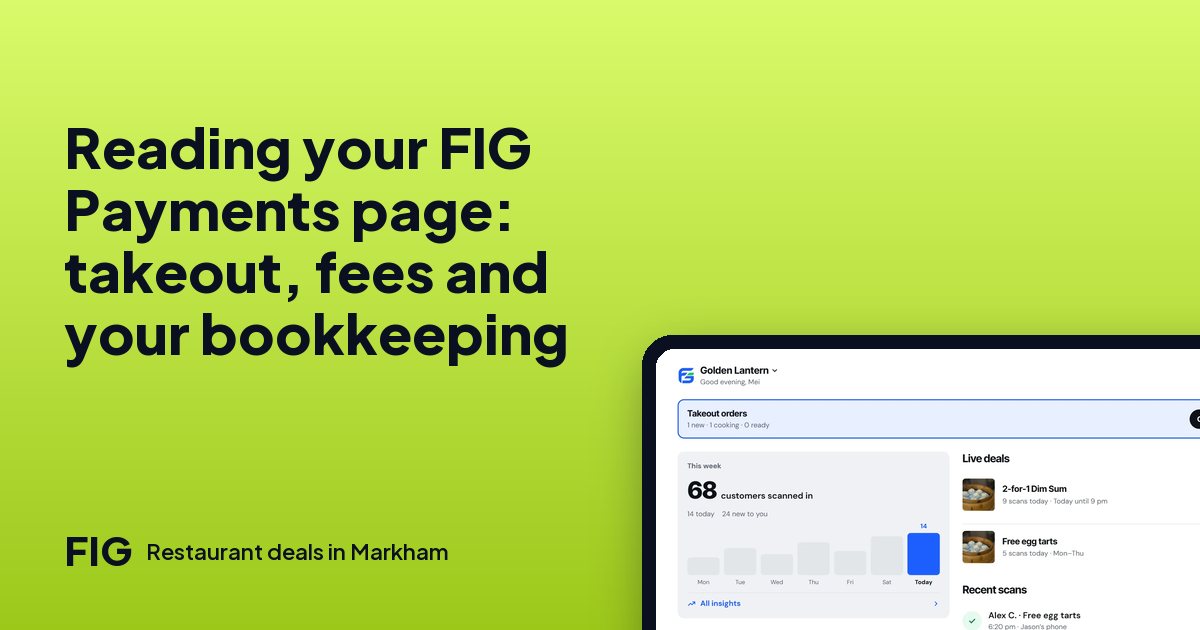
The Payments page in FIG lists every takeout payment, every refund and every fee, and you can download it as a CSV file. Use it as the record of your takeout money: one line per event, with the amounts that came in and the fees that came off. Once a month, download it, add up the lines and compare the total with what reached your bank account.
This post is general information about reading your records, not accounting or tax advice. Your bookkeeper or accountant has the final word on how to record any of it.
What the page lists
| Line | What it is | How to treat it |
|---|---|---|
| Takeout payment | What the diner paid in the app for a takeout order, food plus HST | Sales of food, plus HST you collected for the CRA |
| Stripe fee | Stripe's card fee, 2.9% + $0.30 for most Canadian cards, taken off the payment | A card processing cost |
| FIG fee | 5% of the food after any deal and before tax, on takeout orders only | A fee for the order. Once FIG is registered for HST, HST is added to this fee |
| Refund | Money returned to a diner | Reduces that order's sales |
Dine-in is not on this list. When a diner shows a code and pays you at the table or the till, FIG takes no commission on the bill and nothing about that bill is a takeout payment. Your dine-in sales stay in your own till or point-of-sale records. How FIG makes money covers why.
How a payment is charged
When a diner checks out, the card is held. It is charged when you accept the order, and if you decline, nothing is charged. That matters for your records: an order you declined leaves no payment to match. An order you accepted and the diner collected is one payment line with its fees.
There is no paying at the counter for takeout. The pickup code only confirms that the order was collected, so the app payment is the one place the money for a takeout order appears.
A worked month-end example
Here are three takeout orders, with the food amount after any deal and before tax. These are round example numbers, and your menu will differ. HST is 13%. Stripe's fee is 2.9% of the whole payment plus $0.30. FIG's is 5% of the food.
| Food after deal | HST at 13% | Diner paid | Stripe fee | FIG 5% | Left from the food |
|---|---|---|---|---|---|
| $20.00 | $2.60 | $22.60 | $0.96 | $1.00 | $18.04 |
| $30.00 | $3.90 | $33.90 | $1.28 | $1.50 | $27.22 |
| $40.00 | $5.20 | $45.20 | $1.61 | $2.00 | $36.39 |
| Total | $11.70 | $101.70 | $3.85 | $4.50 | $81.65 |
Check one row: on the $30 order, Stripe takes 2.9% of $33.90, which is $0.98, plus $0.30, so $1.28. FIG takes 5% of $30, which is $1.50. $30.00 − $1.28 − $1.50 = $27.22. Fees are rounded to the cent.
Now the same total two ways. Food of $90.00 plus HST of $11.70 is $101.70 paid by diners. Take off $3.85 and $4.50 in fees and $93.35 is left. Of that, $81.65 is food and $11.70 is HST you will remit. If your CSV for these three orders does not add up to the same figures, look for a refund or a fee line you have not counted.
The monthly routine, in ten minutes
- Download the CSV from the Payments page for the month.
- Open it in a spreadsheet and sum three things: payments, fees and refunds.
- Split each payment into food and HST. Divide the payment by 1.13 to get the food: $22.60 ÷ 1.13 = $20.00.
- Compare the net with the payouts that reached your bank account for the same period. A small gap can be timing, with an order near the month's end landing in the next one.
- Save the file with the month in its name, such as the year, the month and the word takeout.
If something does not match after that, write down the order and ask us on the contact page rather than guessing.
HST: what is yours to remit
HST on a takeout order is the restaurant's to remit. The diner pays it with the order, it comes through to you with the rest, and your HST number is what lets takeout work in the first place: a restaurant can turn takeout on only after it has added its HST number and finished Stripe payouts. Keep HST out of your sales figure and in its own line, so the amount you owe is easy to see.
Not registered yet? HST registration for small restaurants in Ontario goes through the $30,000 rule. It is general information, not tax advice.
Refunds in your records
A refund shows up as its own line on the page, so you can see which order it belongs to. In your books, a refund reduces the sales for that order. Refunds are a money step, so owners and managers need a stronger sign-in for them: an authenticator app or a code by email. That is also a good control for your own records, because it means refunds are made on purpose by someone you chose. Who should be an owner, manager or staff member.
Handing it to your bookkeeper
The CSV is the whole point. Send it as it is, one file a month, and say three things in the email: the month it covers, that the HST on each line is the restaurant's to remit, and that dine-in sales are in your own till records. A bookkeeper who gets the same layout every month spots a missing line quickly. Keep the downloaded files in one folder so the year's records are in order when you file.
"Attached is the takeout payments file for [month]. It lists each payment, refund and fee. HST is included in each payment. Dine-in sales are in our till report."
What to look at besides the totals
Once the sums agree, use the page as a small business tool. Sort by amount to see which sizes of order you get. Count the lines to see how many takeout orders came in during a month. Compare it with your quiet hours: takeout is meant to fill a kitchen that would otherwise be idle. Takeout order math shows what a restaurant keeps on a $12, $20, $40 or $60 order, and the rush guide covers pausing takeout and adding prep time when the kitchen is full.
FIG opens to diners on January 1, 2027, so your page will be empty until then. You can set up your menu, hours, payouts and HST number before that day.
Questions
Where do I see my takeout payments?
On the Payments page. It lists every takeout payment, refund and fee.
Can I download my payments?
Yes. The Payments page downloads as a CSV file, which opens in any spreadsheet.
What fees come off a takeout payment?
Stripe's card fee of 2.9% + $0.30 for most Canadian cards comes off the payment, and FIG keeps 5% of the food after any deal and before tax, on takeout orders only.
Does dine-in show up on the Payments page?
No. FIG takes no commission on the bill and nothing on dine-in, and the diner pays you directly.
Who remits the HST on a takeout order?
The restaurant. This is general information, not tax advice, so ask your accountant how to record it.
When is the card charged?
The card is held at checkout and charged when the restaurant accepts the order. If the restaurant declines, nothing is charged.
Does a refund need a stronger sign-in?
Yes. Refunds are a money step, so owners and managers need a sign-in step such as an authenticator app or a code by email.