Key takeaways
- Find a deal on Home, the map or a restaurant's page, and tap Claim. It waits on your Deals page.
- A claim has no time limit: it works for as long as the deal runs.
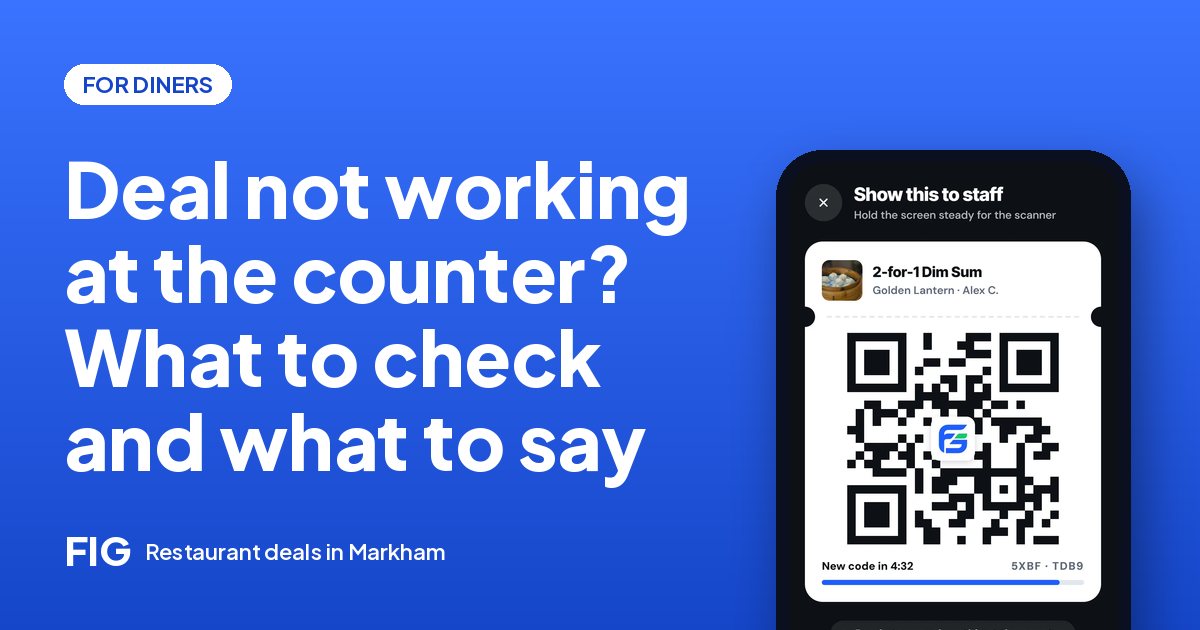
- At the counter, tap Show QR and staff scan it, or scan the restaurant's own counter code. The deal comes off your bill.
- The code keeps changing, so screenshots don't work and nobody can reuse your deal.
- After a scanned visit you can rate the restaurant, and like the deal. FIG is free for diners.
The short answer
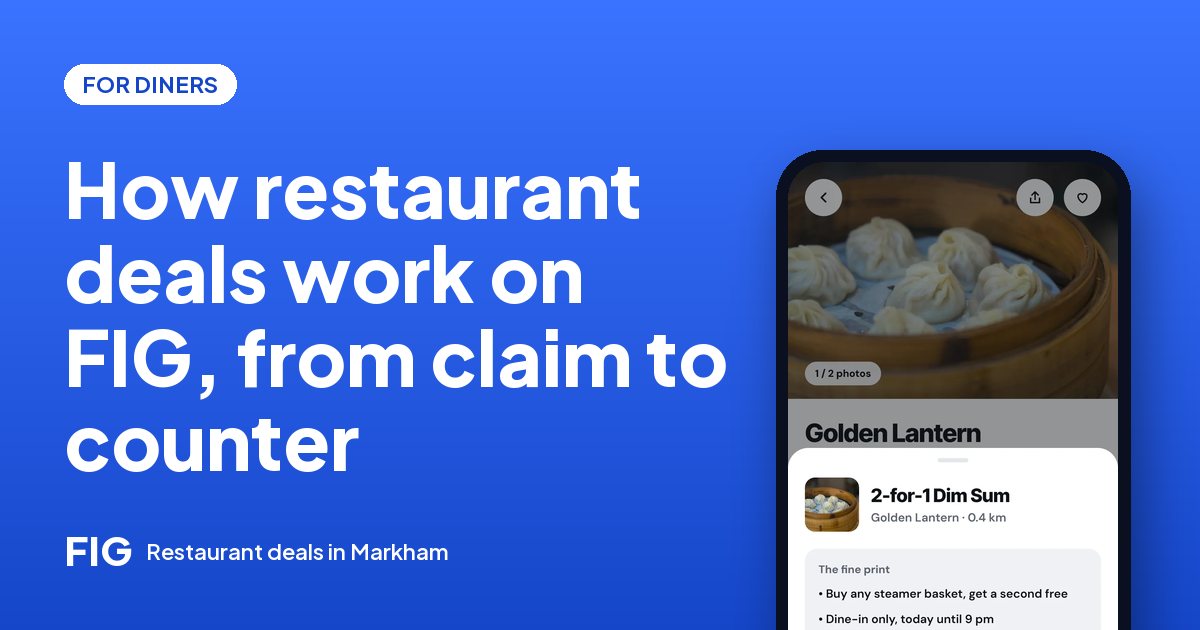
On FIG, a restaurant deal works in four steps: you find a deal, claim it in one tap, show your code at the restaurant, and the deal comes off your bill. You pay the restaurant the way you always do. There's no card to add for dine-in, no points to collect and no fee: FIG is free for diners.
Step 1: Find a deal
Deals show up in three places:
- Home, nearest first, filtered by what you crave, your budget and your diet.
- The map, where you choose how far you'll go: 1, 2, 5 or 10 km.
- A restaurant's page, alongside its menu, hours, photos and reviews.
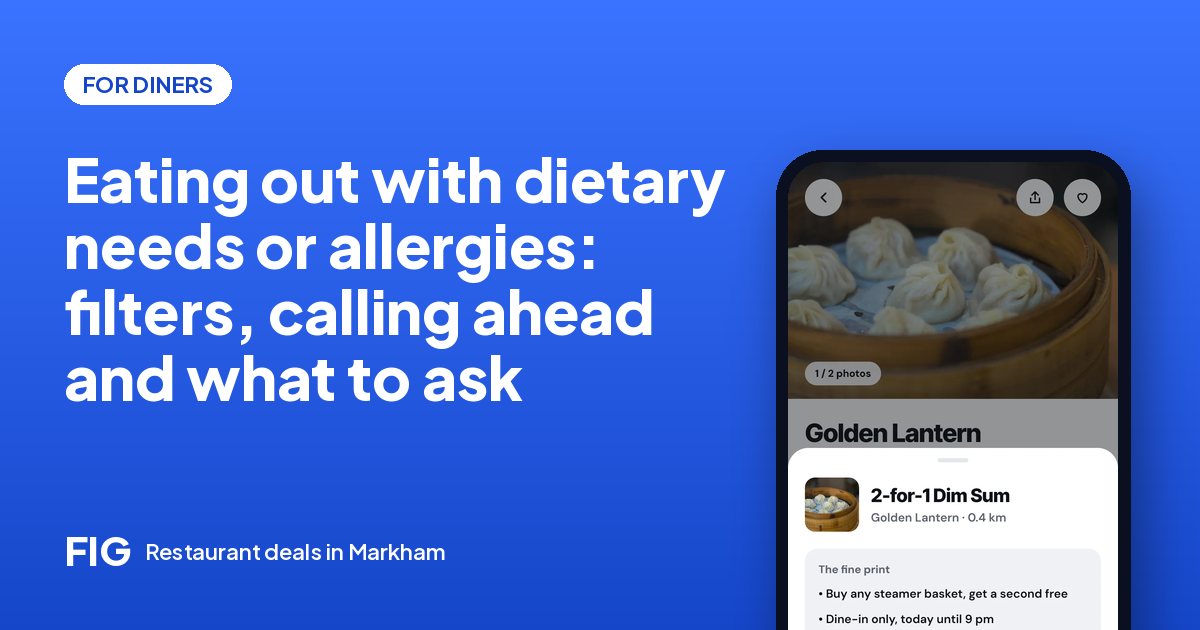
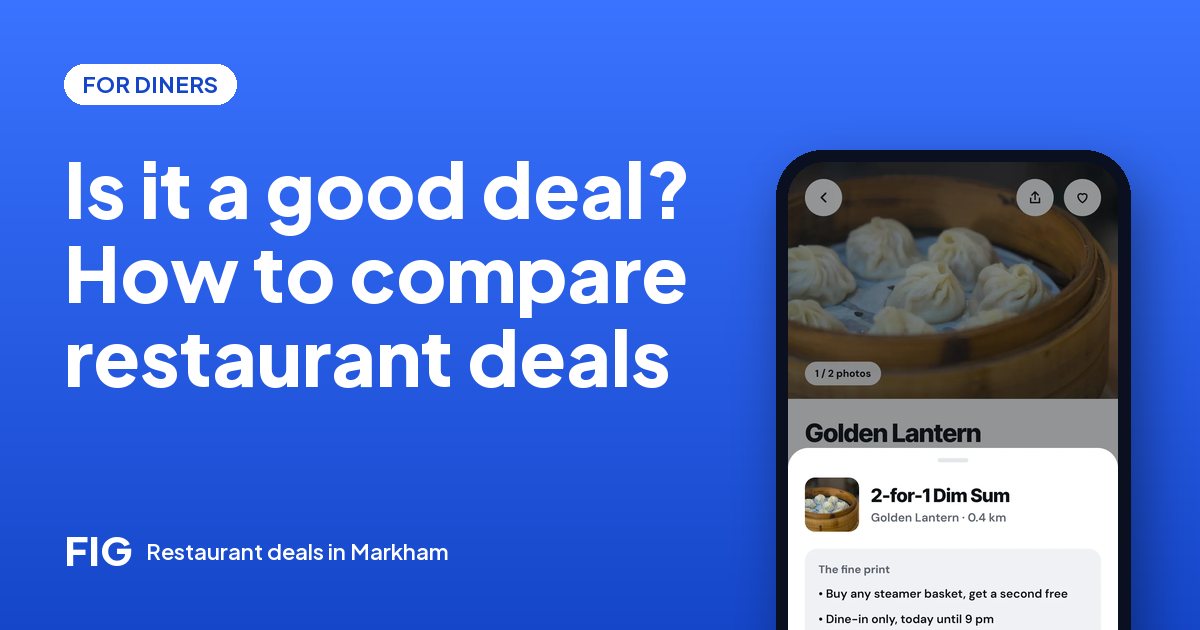
Every deal shows what it is, when it runs and whether it's dine-in only or also takeout. Some deals are on the whole order; others are on specific dishes, which you'll see on the menu. Deals in Markham start January 1, 2027.
Step 2: Claim it
Tap Claim on the deal, then Claim deal. It waits on your Deals page. A claim doesn't time out: it works for as long as the deal runs. You don't need to be near the restaurant to claim, and you don't need to go right away.
Only when the restaurant ends the deal, or when a flash deal's timer or a dated deal is over. Then it shows as Expired on your Deals page for a day and leaves the list. Expired claims never count against you.
Step 3: At the restaurant
Order as usual and, when it's time to pay, open your Deals page. There are two ways the deal gets applied, depending on the restaurant:
| Way | What you do | What staff do |
|---|---|---|
| Your QR code | Tap Show QR | Scan it with the restaurant side of FIG |
| The counter code | Tap Scan the counter and point your camera at the restaurant's code | Nothing: the code on their screen does it |
If a camera won't cooperate, there's a short code staff can type instead. Either way, the deal comes off the bill and you pay the restaurant directly.
The QR code on your screen keeps changing, and the restaurant's counter code changes every 30 seconds. That's what makes deals safe: a screenshot can't be reused, and nobody can use your claim but you.
Step 4: Rate the visit
Once your visit is scanned, you can rate the restaurant: tap Rate this visit, or find it later under Past visits on your Deals page. Pick the stars and add a few words or a photo if you like. One review per visit, and it shows your first name and last initial.
Deals get likes, restaurants get stars. Only diners whose visit was scanned can review, so every review on FIG comes from a real meal. How to read a restaurant's reviews.
Takeout works too
If a deal is marked Dine in or takeout, tap Takeout instead: the restaurant's menu opens with the deal applied, you add what you want, and you pick it up. Tap I'm here when you arrive and show your pickup code. No delivery or service fees. How takeout works.
Questions before you go
Not sure if there's room for six, or whether the deal works with the lunch special? Call the restaurant before you go. Going as a group?
What FIG doesn't do
- Charge you anything, or show you ads.
- Lock deals to where you are. Use them wherever you happen to be.
- Rush you. No fake countdowns: a flash deal's timer is the restaurant's real one.
- Share your phone number with restaurants.
Questions
Do I need to pay in the app?
Not for dine-in. You show your code and pay the restaurant as usual. Takeout is paid in the app when you order.
How long is a claimed deal good for?
As long as the deal runs. It ends only when the restaurant ends the deal, or a flash or dated deal is over.
Can I screenshot my code?
It won't work. The code keeps changing, so only the live code in your app can be scanned.
What's the counter code?
Some restaurants show their own QR code at the counter that changes every 30 seconds. Tap Scan the counter on your claimed deal and point your camera at it.
Can I use a deal more than once?
Once per person per day, whether you use it at the counter or order takeout with it. The restaurant also caps how many are used each day.
Who can review a restaurant?
Only diners whose visit was scanned, so every review comes from a real visit.
Is FIG free?
Yes, for every diner: no subscription, no fees and no ads for now.